Free Online JPG Converter
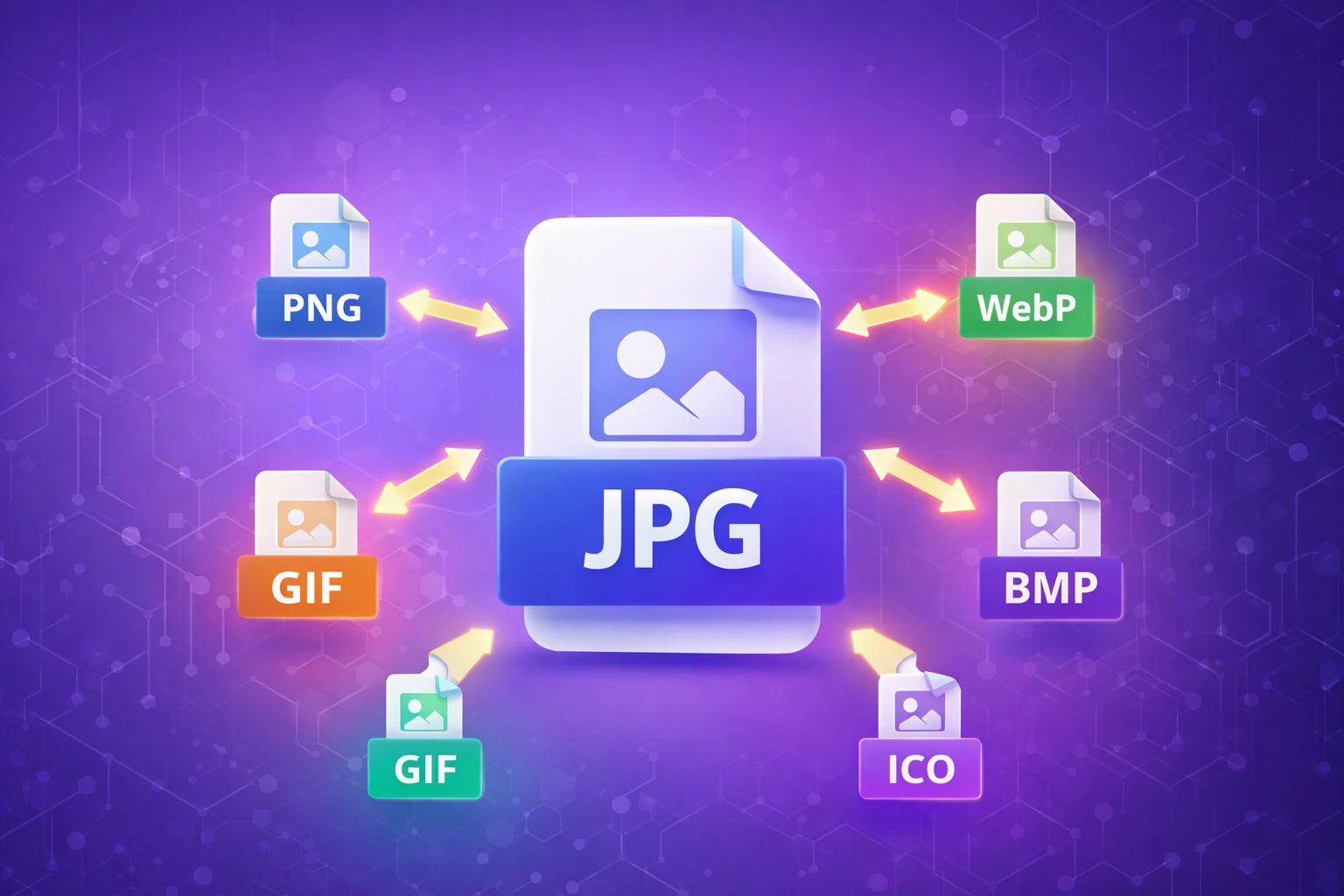
Convert JPG images to PNG, WebP, GIF, BMP and ICO with a simple online image converter.




By ChanduSEOTool | Updated September 2026
A JPG converter helps you change a JPG or JPEG image into another image format when a website, application, design project, document, or other workflow requires a different file type. ChanduSEOTool's JPG Converter provides several output choices in one place, including PNG, WebP, GIF, BMP and ICO.
Changing an image format can improve compatibility or make the file more suitable for a specific purpose, but conversion does not automatically improve the visual quality of the original image. The best output format depends on whether you need photographic compression, lossless storage, transparency, simple graphics, or an icon file.
This guide explains what each available format is useful for, what happens to image quality during conversion, common mistakes to avoid, and how to choose an appropriate format for your needs.
How to Convert a JPG Image Online
- Choose a JPG or JPEG image from your device, or use the remote URL option when appropriate.
- Make sure the source file meets the tool's current upload requirements.
- Select the output format you need, such as PNG, WebP, GIF, BMP or ICO.
- Start the conversion.
- Preview or review the result when available.
- Download the converted file and check it before deleting your original image.
The current JPG Converter interface displays a maximum upload size of 5 MB. If your image is larger, you may need to resize or compress it before conversion.
Always keep the original JPG until you have confirmed that the new file opens correctly and has the dimensions, appearance and format you expected.
What Is a JPG Converter?
A JPG converter decodes an image stored as JPEG data and encodes the image into another supported file format. This is different from simply changing the filename extension.
For example, renaming photo.jpg to photo.png does not create a real PNG file. A proper conversion process must read the JPEG image data and then create a new file using the rules of the selected output format.
Format conversion is useful because JPG, PNG, WebP, GIF, BMP and ICO were designed for different types of image storage and use cases.
JPG Converter Output Formats
Convert JPG to PNG
PNG is a lossless raster image format and supports alpha transparency. It is commonly used for screenshots, interface graphics, diagrams, logos, illustrations and other images where sharp edges or transparency are important.
However, converting a JPG into PNG does not automatically remove its background or restore information that was previously lost through JPEG compression. If a JPG contains a white background, that background normally remains part of the image after basic format conversion.
If you specifically want a PNG version of a JPG, you can also use the JPG to PNG Converter.
Convert JPG to WebP
WebP is a modern image format that supports both lossy and lossless compression. It can also support transparency and animation. It is widely used for web images because it can often provide efficient compression.
A WebP file may be smaller than the JPG source, but the result depends on the original JPEG compression, target encoding settings and image content. A smaller output file should therefore be measured rather than assumed.
For website owners, reducing unnecessary image bytes can be one part of page-performance optimization. It does not by itself guarantee better Core Web Vitals or higher search rankings.
Convert JPG to GIF
GIF uses an indexed color palette with up to 256 colors in an individual frame. This makes GIF useful for some simple graphics, small illustrations and legacy workflows, but it is usually not the best choice for detailed photographs or images containing smooth color gradients.
A photograph converted from JPG to GIF may show reduced color detail, banding or a posterized appearance. Choose GIF only when the format matches your intended use.
Convert JPG to BMP
BMP is a bitmap image format historically associated with Windows. BMP files can use different storage methods, but they are often substantially larger than compressed formats such as JPG or WebP.
BMP may still be useful when an older application, specialist workflow or particular software package specifically requires a bitmap file. For everyday websites and image sharing, a more compressed format is usually more practical.
Convert JPG to ICO
ICO is primarily used for icons in Windows applications and for some favicon workflows. An ICO file can contain more than one icon representation so software can select an appropriate size.
If your goal is website branding, start with a clean, square source image whenever possible. A highly detailed photograph may not remain recognizable when reduced to a very small favicon size.
JPG, PNG, WebP, GIF, BMP and ICO Comparison
| Format | Compression | Transparency | Typical Use |
|---|---|---|---|
| JPG/JPEG | Lossy | No | Photographs and general images |
| PNG | Lossless | Yes | Screenshots, graphics, transparency |
| WebP | Lossy or lossless | Yes | Web images and efficient delivery |
| GIF | Palette-based lossless coding | Limited | Simple graphics and animation workflows |
| BMP | Varies | Depends on BMP variant | Windows and legacy workflows |
| ICO | Varies | Supported | Icons and favicons |
File size cannot be predicted reliably from the extension alone. Image dimensions, color complexity, encoder settings and the source image all affect the final size.
Does Converting JPG Reduce Image Quality?
The answer depends on the source file and the output format.
JPEG uses lossy compression, which means some image information may already have been discarded when the original JPG was created. Converting that JPG to PNG or another lossless format does not recreate the missing information.
A lossless output can preserve the pixels produced when the JPG is decoded, but it cannot reverse previous JPEG compression.
If the new format also uses lossy encoding, additional quality changes may occur depending on the encoder settings.
Best Practices for Preserving Existing Quality
- Start with the best-quality source image available.
- Keep your original file as a backup.
- Avoid repeatedly converting between lossy formats.
- Convert directly from the original source to the format you actually need.
- Check the converted image at its normal display size.
- Verify important dimensions and colors after conversion.
Can JPG to PNG Create a Transparent Background?
No, basic file-format conversion alone does not remove a background from a JPG.
JPEG does not contain an alpha transparency channel. If your original JPG contains a white, black or colored background, those pixels remain image content after conversion to PNG.
If you need to separate a subject from its background, first use an appropriate Background Remover or image-editing workflow, and then save the processed result in a format that supports transparency.
Which Image Format Should You Use for a Website?
There is no single best format for every image. Choose according to the type of content and your compatibility requirements.
JPG remains practical for many photographs. PNG is useful for graphics, screenshots and transparency. WebP can be a good option when efficient web delivery is important and the target environment supports it.
Image optimization is broader than file-format conversion. Dimensions, responsive images, compression settings, caching and delivery strategy can all matter.
If the image dimensions are much larger than required, consider using the Image Resizer before publishing it.
Will Converting JPG Make the File Smaller?
Not necessarily.
Changing a JPG to PNG may actually create a larger file because PNG uses a different compression approach. WebP may produce a smaller file in many situations, but the outcome depends on the source and encoding settings. BMP will often be comparatively large.
If your main objective is reducing file size rather than changing format, use an Image Compressor and compare the output visually.
Practical Reasons to Convert JPG Images
Website Images
A website owner may convert photographs to a web-oriented format or create PNG versions of graphics where lossless reproduction is preferred. The choice should be based on actual page requirements rather than assuming one format is always faster.
Documents and Presentations
A document editor, presentation application or upload portal may work better with a specific image type. Format conversion can provide the required file without recreating the image.
Graphic Design
Designers sometimes need different versions of the same asset for editing, website use, client delivery or software compatibility. Keeping the original source file is especially important in this workflow.
Icons and Favicons
A JPG source can be converted into an ICO file when an icon format is specifically required. Simple artwork generally works better than detailed photography at very small icon dimensions.
Compatibility
Older software, forms, CMS platforms and specialist applications may accept only a limited selection of image formats. Converting the file can solve a format-compatibility problem without changing the visual purpose of the image.
Convert, Resize or Crop: What Is the Difference?
These are separate image operations.
Conversion changes the file format. Resizing changes width or height. Cropping removes part of the image area.
If your image has unwanted space around the subject or needs a different composition, use the Image Cropper rather than expecting format conversion to change the framing.
Common JPG Conversion Mistakes
Renaming the File Extension
Changing .jpg to .png in a filename is not real conversion. The internal file data remains JPEG.
Expecting Lost JPG Detail to Return
A PNG output does not reconstruct detail that was discarded when the original JPEG was compressed.
Expecting Transparency Automatically
Converting a solid-background JPG to PNG does not automatically remove the background.
Assuming a New Format Must Be Smaller
Different compression methods produce different results. Always check the actual output file size.
Deleting the Source Too Early
Keep the original image until the converted file has been opened and checked successfully.
JPG Converter Troubleshooting
Image Will Not Upload
Check that the file is actually a JPG or JPEG and that it meets the tool's current upload-size requirement. The JPG Converter currently displays a 5 MB maximum upload size.
If the file is too large, resize or compress it first. If the file extension says JPG but the image still fails, the file may be damaged or may contain a different format with an incorrect extension.
Converted Image Looks Different
Some format conversions can change color representation, transparency behavior or compression characteristics. Compare the new image with the original and make sure the selected output format is appropriate for the content.
GIF Output Has Poor Photo Quality
GIF's limited palette makes it a poor choice for many photographs. Use JPG, PNG or WebP when you need richer photographic color reproduction.
PNG File Became Larger
This can be completely normal. PNG and JPG use different compression methods. A photographic JPG converted to PNG can require substantially more storage.
WebP File Is Not Smaller
WebP often offers efficient compression, but it is not guaranteed to beat every JPG source. A JPEG that was already aggressively compressed can sometimes produce an unexpectedly large result when re-encoded with different settings.
A Note About Private or Sensitive Images
Use extra care whenever an image contains identity documents, financial information, confidential business material, private photographs or other sensitive data.
Before uploading sensitive content to any online processing service, review the site's current privacy information and decide whether online processing is appropriate for that file.
Avoid assuming that a file is processed only locally or deleted at a particular time unless the service clearly documents and technically supports that behavior.
Understanding Image Formats
For deeper technical information about image formats, reliable documentation is available from Google for Developers for WebP, MDN Web Docs for common web image formats, and the World Wide Web Consortium (W3C) for the PNG specification.
These references are useful when you need specification-level information about compression, transparency, animation, MIME types or browser-oriented image usage.
Related Image Tools
Depending on what you need to do after conversion, these related ChanduSEOTool utilities may help:
- PNG to JPG Converter – create a JPG version of a PNG when JPEG output is required.
- WebP to PNG Converter – convert a WebP image into PNG format.
- ICO to PNG Converter – create a PNG version of an ICO image.
Frequently Asked Questions
What formats can I convert JPG images to?
The JPG Converter provides output options including PNG, WebP, GIF, BMP and ICO.
What is the maximum JPG upload size?
The current tool interface displays a maximum upload size of 5 MB. Limits can change over time, so check the upload area if you are using the tool later.
Does converting JPG to PNG improve quality?
No. PNG can store the decoded image without adding another lossy JPEG-style compression step, but it cannot recreate information already removed from the original JPG.
Does JPG to PNG remove the background?
No. A normal format conversion does not automatically identify and remove background pixels.
Can a WebP file be smaller than JPG?
Yes, it can be, but the result depends on the source image and encoding settings. Always compare the actual converted file.
Why does a GIF version of my photo look different?
GIF uses a limited color palette, so detailed photographs and smooth gradients can lose color detail.
Why did my PNG become larger than the JPG?
That is often expected for photographs because PNG uses lossless compression while JPEG is designed around lossy photographic compression.
Can I create a favicon from a JPG?
ICO can be used for favicon and icon workflows. For best results, start with a simple square image that remains recognizable at small sizes.
Should I delete the original JPG after conversion?
Keep the original at least until you have checked the converted file. Keeping a source copy is also useful if you later need another format or different conversion settings.
Is changing .jpg to .png enough?
No. Changing the extension only changes the filename. The image must actually be decoded and encoded into PNG format.
Which format should I choose?
Use JPG mainly for photographs, PNG when lossless graphics or transparency are important, WebP for efficient web-oriented image delivery, GIF for appropriate simple or animated workflows, BMP when a specific bitmap workflow requires it, and ICO for icon-related uses.
Convert JPG Images Online
ChanduSEOTool's JPG Converter gives you a convenient way to create PNG, WebP, GIF, BMP or ICO versions of a JPG image. Choose the output format according to what you actually need rather than assuming one format is best for every image.
After conversion, review the image, compare its file size and appearance with the original, and keep the source JPG when you may need it again.

Popular Tools
Recent Posts


