how to check trending videos on youtube
youtube trending topics, find trending videos youtube, youtube trend finder, what's trending on youtube, youtube viral videos, check youtube trends, trending youtube searches
How to Check Trending Videos on YouTube in 2025: Complete Guide
YouTube trending content changes every minute, and finding what's viral right now can transform your channel's growth strategy. Whether you're a content creator looking to ride the trend wave or a marketer analyzing popular topics, knowing how to check trending videos on YouTube is essential for success in 2025.
This comprehensive guide shows you multiple proven methods to discover trending YouTube videos, analyze viral content patterns, and leverage trending topics for your own channel growth.
Table of Contents
- How to Check Trending Videos on YouTube in 2025: Complete Guide
- Why Checking YouTube Trending Videos Matters
- Method 1: Using YouTube's Official Trending Page
- Method 2: YouTube Trend Tool (Recommended for Creators)
- Method 3: Using YouTube Search Suggestions
- Method 4: Analyze Competitor Channels
- Method 5: Google Trends for YouTube
- Method 6: Social Media Trend Monitoring
- Method 7: YouTube Analytics for Your Channel
- How to Capitalize on Trending Videos
- Trending Video Indicators to Watch
- Best Times to Check for Trends
- Avoiding Trend Pitfalls
- Tools to Streamline Trend Research
- FAQ: Checking YouTube Trending Videos
- Conclusion
Why Checking YouTube Trending Videos Matters
Trending videos represent what millions of viewers are watching right now. By identifying these trends early, creators can create timely, relevant content that captures audience attention. YouTube's algorithm favors content that matches current user interests, making trend analysis a critical skill for channel growth.
Trending content also reveals audience preferences, successful video formats, and emerging niches. This information helps you make data-driven decisions about your content strategy rather than guessing what might work.
Method 1: Using YouTube's Official Trending Page
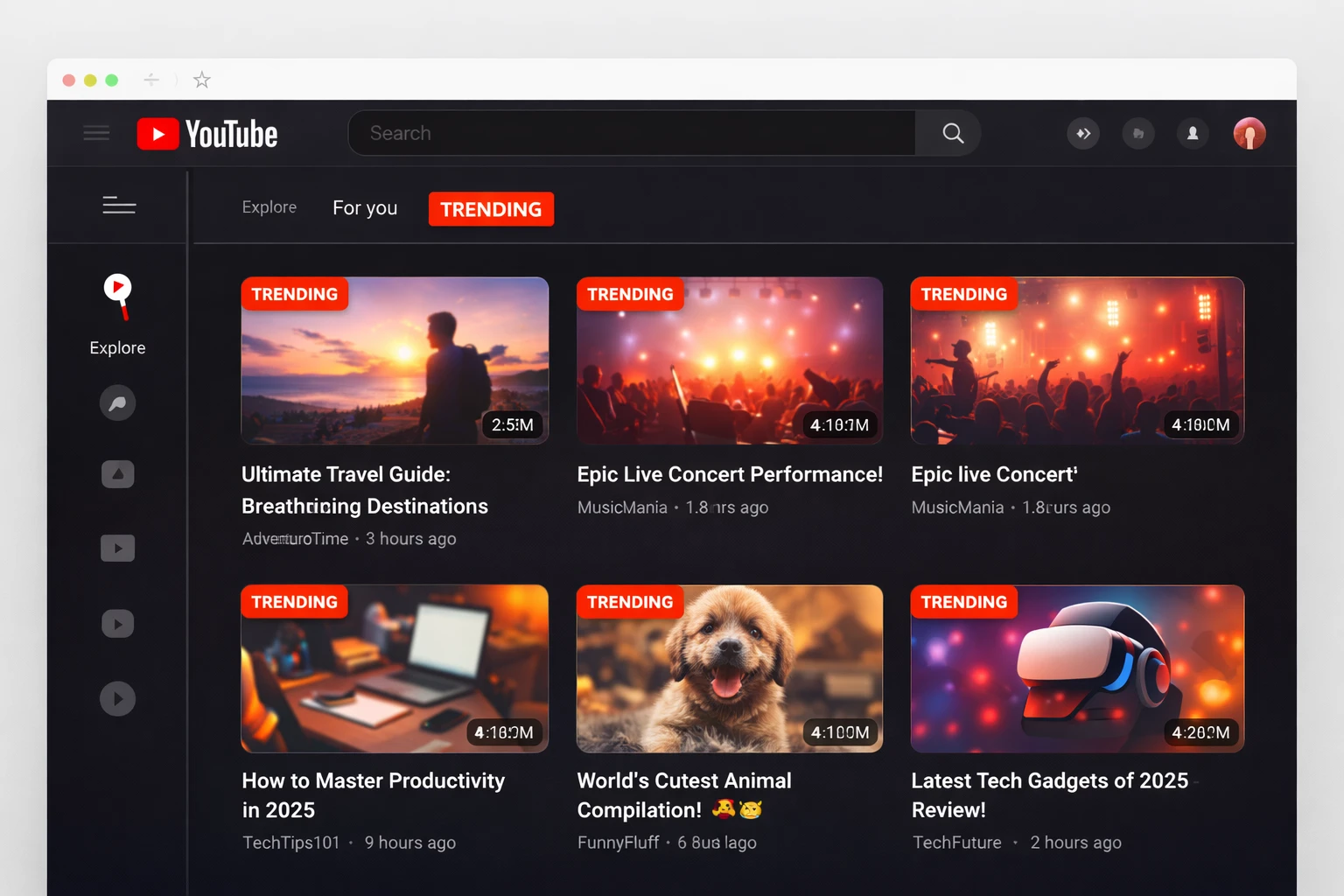
The simplest way to check trending videos is through YouTube's built-in Trending tab. Here's how to access and use it effectively:
Desktop Users:
-
Open YouTube.com in your browser
-
Click the "Explore" icon in the left sidebar (compass icon)
-
Select "Trending" from the menu
-
Browse categories: Now, Music, Gaming, Movies, and more
Mobile Users:
-
Open the YouTube app
-
Tap the "Explore" tab at the bottom (compass/grid icon)
-
Select "Trending" at the top
-
Swipe through different trending categories
YouTube's trending page shows videos gaining rapid traction based on multiple factors including view count, engagement rate, upload recency, and geographic location. The algorithm updates every 15 minutes, ensuring fresh content appears regularly.
Limitations: The official trending page shows broad, mainstream content. If you're targeting niche audiences or specific topics, you'll need additional methods to find relevant trends.
Method 2: YouTube Trend Tool (Recommended for Creators)
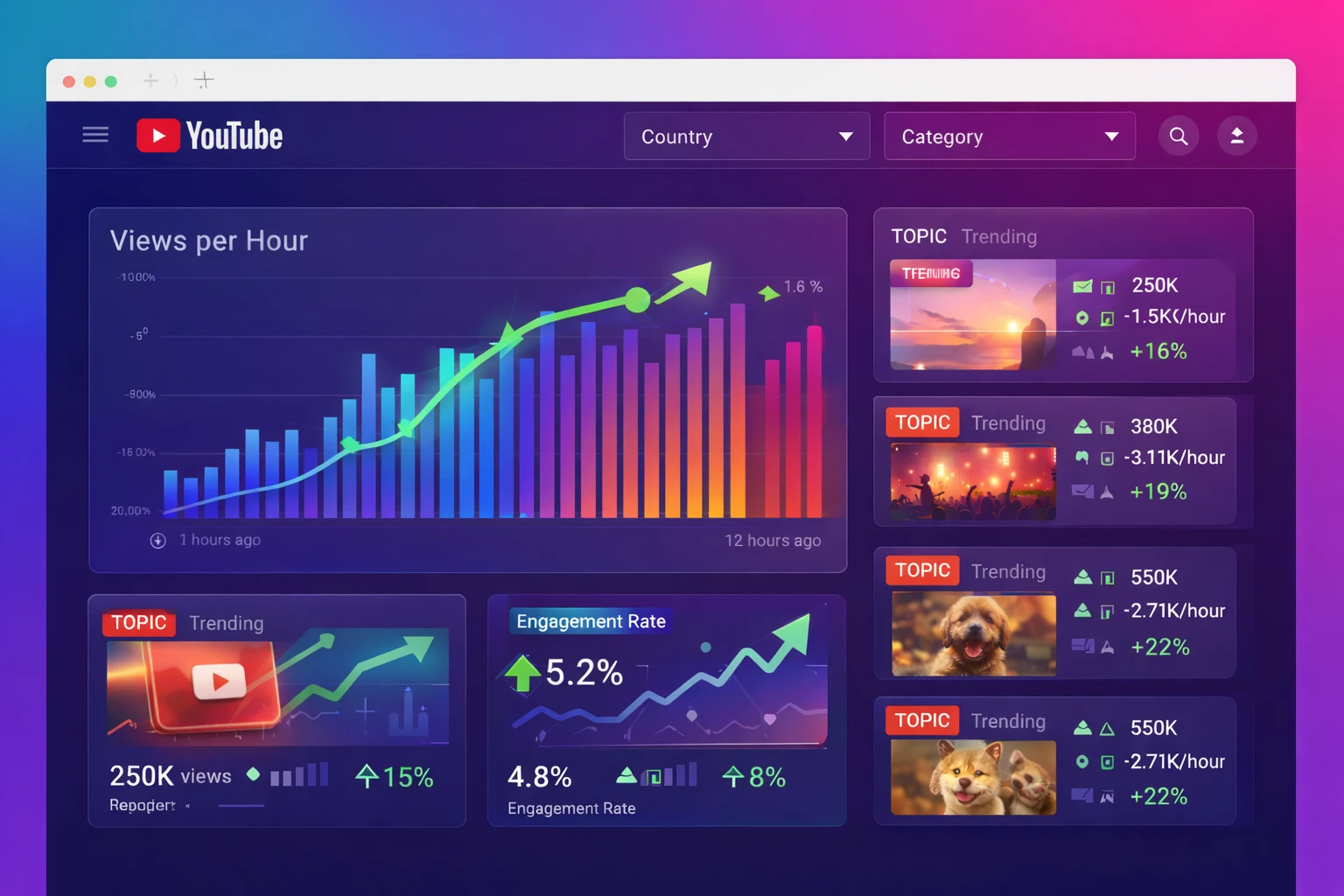
Free YouTube trend tools provide deeper insights than the basic trending page. The YouTube Trend Tool on ChanduSEOTool offers real-time trending video discovery with advanced filtering options.
How to use a YouTube Trend Tool:
-
Visit a dedicated YouTube trending tool platform
-
Select your target country/region for localized trends
-
Choose content category (technology, education, entertainment, etc.)
-
Filter by upload time (last hour, 24 hours, 7 days)
-
Analyze trending videos with view counts, engagement metrics, and publish times
These tools aggregate trending data faster than manual searches and let you discover emerging trends before they saturate. You can identify trending topics specific to your niche rather than just viral mainstream content.
Pro Tip: Check trending tools 2-3 times daily to catch trends early. Videos that are gaining 10,000+ views per hour in the first 6 hours often become major trends.
Method 3: Using YouTube Search Suggestions
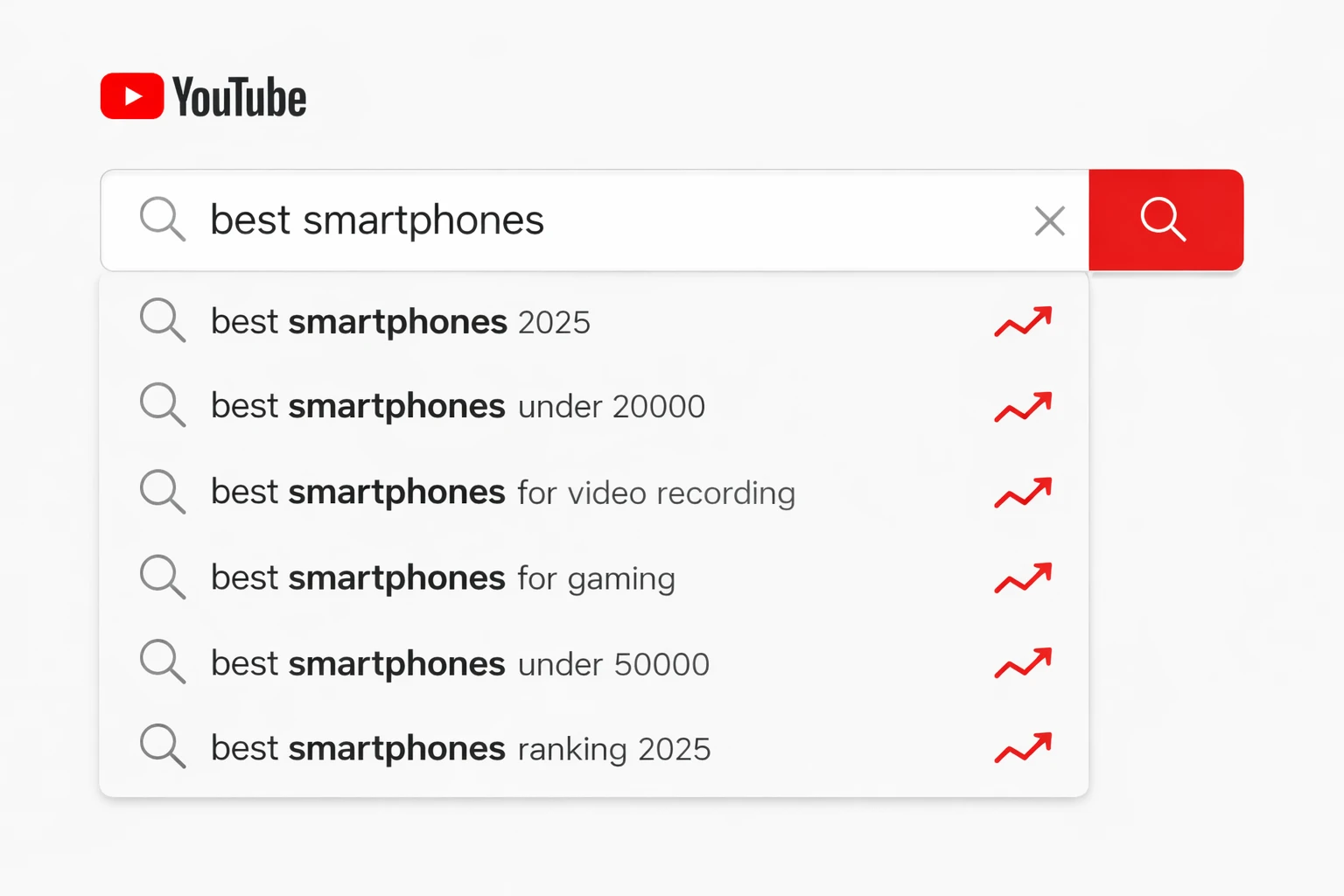
YouTube's autocomplete search feature reveals what people are actively searching for right now. This method uncovers trending search queries before videos even rank for them.
Step-by-step process:
-
Open YouTube search bar
-
Type a broad keyword related to your niche (e.g., "best smartphones")
-
Don't press enter—watch the dropdown suggestions
-
Note the auto-suggested phrases (these are trending searches)
-
Try variations: "how to," "best," "[year]," "vs," "review"
-
Record high-potential trending keywords
The suggestions change based on real-time search volume, making this an excellent method to predict upcoming trending topics. Combine this with a YouTube Hashtag Generator to create optimized hashtags for your trend-based content.
Method 4: Analyze Competitor Channels
Successful channels in your niche are trend indicators. Their recent high-performing videos show what's resonating with your target audience.
Analysis steps:
-
Identify 5-10 top channels in your niche
-
Sort their videos by "Popular" or check their recent uploads
-
Look for videos with unusually high view counts (2-3x their average)
-
Check upload dates—videos gaining fast traction indicate trends
-
Note common themes, titles, thumbnails, and topics across channels
Use a YouTube Tag Extractor to analyze the tags successful creators use on trending videos. This reveals the exact keywords they're targeting and helps you understand trend optimization strategies.
Method 5: Google Trends for YouTube
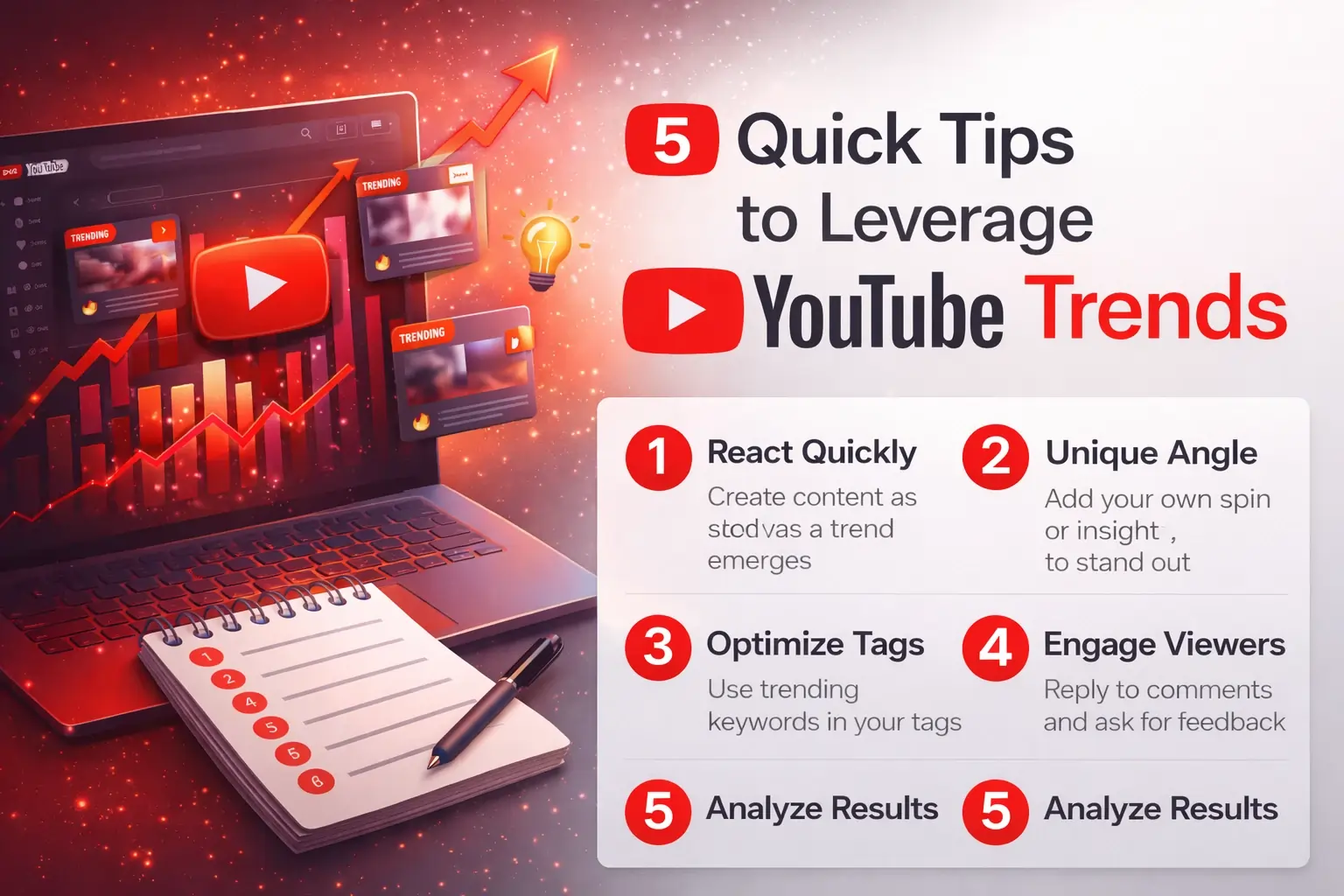
Google Trends includes a dedicated YouTube search filter that shows trending search queries specifically on the platform.
How to use it:
-
Go to trends.google.com
-
Select "YouTube Search" from the dropdown (instead of "Web Search")
-
Enter your niche keyword or browse trending topics
-
Adjust timeframe (past hour, day, week for real-time trends)
-
Check "Related queries" and "Rising" sections for emerging trends
The "Rising" section is particularly valuable—it shows search terms with explosive growth (often 100%+ increase), indicating brand-new trending topics.
Method 6: Social Media Trend Monitoring
Trending YouTube videos often gain traction first on other social platforms. Monitor these sources:
Twitter/X: Search "[topic] site:youtube.com" to find YouTube links being shared virally
Reddit: Check subreddits like r/videos, r/youtube, or niche-specific communities for trending shares
TikTok: Trending TikTok topics often migrate to YouTube within 24-48 hours
Facebook Groups: Niche groups frequently share trending YouTube content
This cross-platform approach helps you identify trends 12-24 hours before they peak on YouTube, giving you a first-mover advantage.
Method 7: YouTube Analytics for Your Channel
If you already have a channel, your own analytics reveal trending content patterns:
-
Go to YouTube Studio → Analytics → Reach tab
-
Check "Traffic source: YouTube search" to see trending search terms bringing viewers
-
Review "Suggested videos" traffic to understand what trending content recommends yours
-
Analyze sudden spikes in impressions or click-through rates
This data shows which trends are already working for your specific audience and channel.
How to Capitalize on Trending Videos
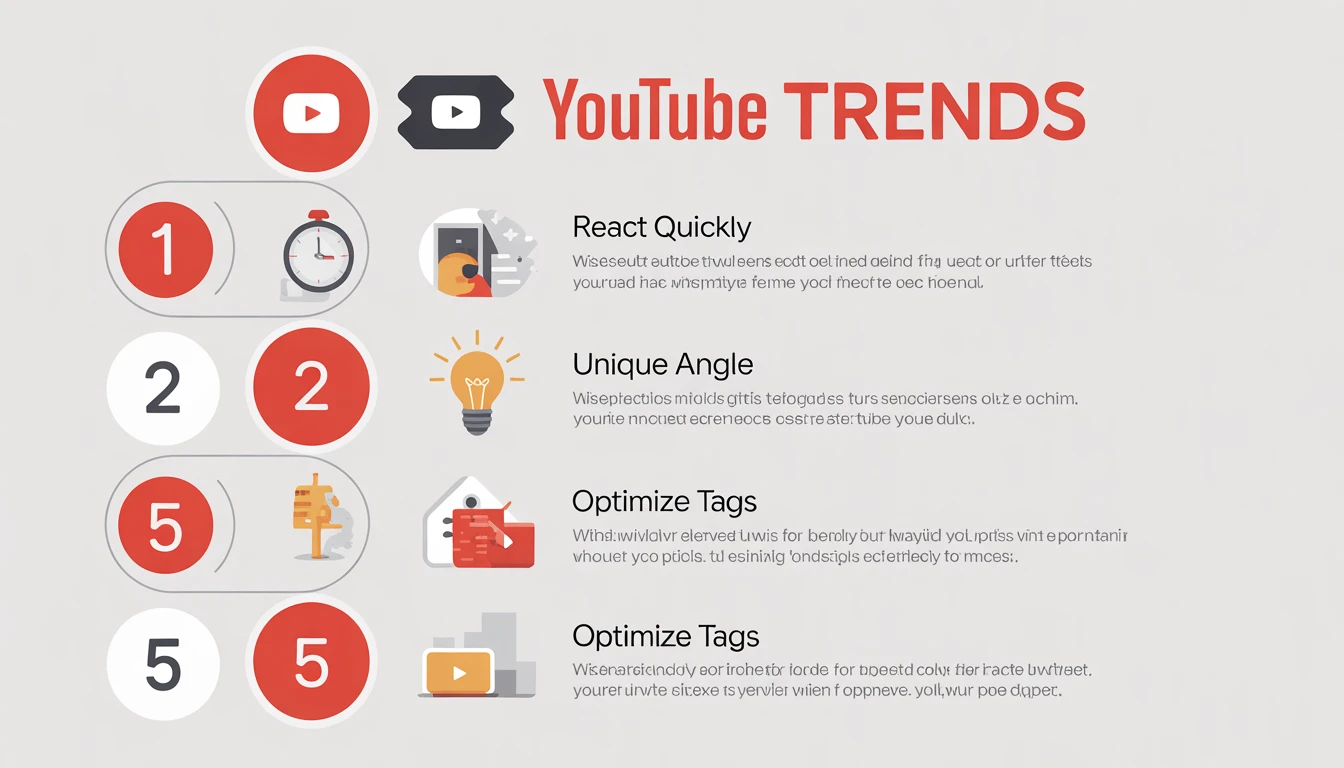
Finding trends is just the first step. Here's how to leverage them effectively:
React Quickly: Trending topics have short lifespans (24-72 hours). Create and publish content within 6-12 hours of identifying a trend.
Add Your Unique Angle: Don't just copy trending videos. Add expert analysis, different perspectives, or supplementary information that makes your version valuable.
Optimize for Trend Keywords: Use a YouTube Tag Generator to create optimized tags combining the trending topic with your niche keywords.
Create Compelling Thumbnails: Trending topics have high competition. Your thumbnail must stand out immediately.
Engage Early Viewers: The first hour determines trend success. Reply to early comments, pin top questions, and encourage sharing.
Trending Video Indicators to Watch
Not all "trending" videos are created equal. Look for these success indicators:
-
Velocity: Views per hour matters more than total views. 1,000 views in 1 hour beats 10,000 views in 24 hours.
-
Engagement Rate: High like-to-view ratios (above 4-5%) and active comments indicate genuine interest.
-
Share Metrics: Videos being widely shared will trend longer.
-
Upload Recency: Videos trending within 12 hours of upload signal strong early momentum.
-
Channel Size Context: Small channels with trending videos indicate powerful topics anyone can capitalize on.
Best Times to Check for Trends
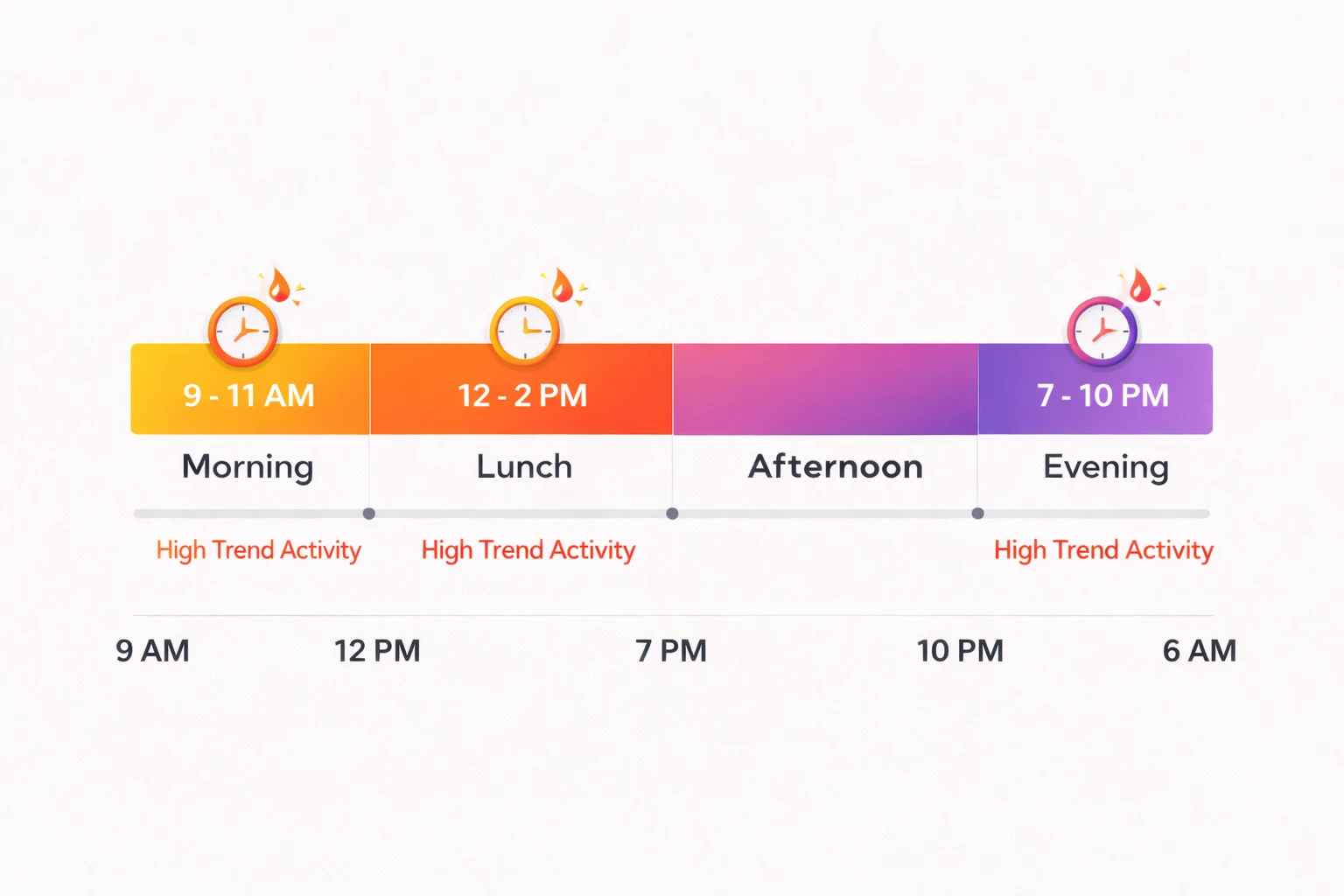
Trending content follows patterns:
-
Weekday mornings (9-11 AM): New trending topics emerge as people start browsing
-
Lunch hours (12-2 PM): Entertainment and quick-watch trends peak
-
Evening (7-10 PM): Long-form trending content performs best
-
Weekends: Gaming, movie, and entertainment trends dominate
Check trends at least twice daily during these peak windows to catch opportunities early.
Avoiding Trend Pitfalls
Don't Chase Every Trend: Only pursue trends relevant to your niche and audience. Off-topic trend videos confuse your channel's identity and can hurt long-term growth.
Avoid Clickbait: Google's helpful content systems penalize misleading titles and thumbnails. Ensure your trend video delivers what the title promises.
Respect Copyright: Trending topics often involve copyrighted content (music, clips, memes). Always use royalty-free alternatives or obtain proper permissions.
Add Genuine Value: Simply reporting "X is trending" isn't helpful content. Explain why it's trending, provide analysis, or create something unique around the trend.
Tools to Streamline Trend Research
Combine multiple tools for comprehensive trend analysis:
-
YouTube Trend Finder: Real-time trending video discovery with niche filtering
-
YouTube Tag Extractor: Analyze successful trend video tags for optimization insights
-
YouTube Tag Generator: Create optimized tag sets for your trend-based content
-
YouTube Hashtag Generator: Generate trending hashtags to boost discoverability
-
YouTube Keyword Tool: Research search volume and competition for trend keywords
Using these tools together creates a complete trend research and optimization workflow.
FAQ: Checking YouTube Trending Videos
How often does YouTube update trending videos?
YouTube's trending algorithm updates approximately every 15 minutes. However, significant changes to the trending page typically occur every 2-4 hours as new videos gain momentum.
Can I see trending videos from other countries?
Yes. Using a VPN to change your location or using third-party trend tools with geographic filters allows you to view trending content from any country. This is valuable for creators targeting international audiences.
Why don't my videos appear in trending despite high views?
YouTube's trending algorithm considers multiple factors beyond views: watch time, engagement rate, upload recency, viewer geography, and content appropriateness. Videos also need rapid velocity (fast growth in short time) to trend.
How long do videos stay trending?
Most trending videos maintain visibility for 12-48 hours. Exceptionally viral content can trend for 3-7 days. The average trending video lifecycle is approximately 24 hours.
Is trending content different on mobile vs desktop?
The core trending videos remain the same, but mobile apps may feature different trending sections or shorts. The algorithm prioritizes mobile-optimized content slightly higher on mobile trending feeds.
Can small channels have trending videos?
Absolutely. While large channels have advantages, YouTube's algorithm doesn't discriminate by channel size. Small channels can trend if their content gains rapid velocity and strong engagement immediately after upload.
Conclusion
Mastering how to check trending videos on YouTube requires combining multiple methods—from YouTube's official trending page to specialized trend tools, competitor analysis, and cross-platform monitoring. The key is checking trends consistently, acting quickly on relevant opportunities, and always adding unique value rather than simply copying what's already viral.
Start with the YouTube Trend Tool and official trending page, then expand to advanced methods like Google Trends and social media monitoring as you develop your trend-spotting skills. Remember, successful trend leveraging isn't about chasing every viral topic—it's about strategically selecting trends that align with your niche and creating superior content that serves your audience's interests.
Begin your trend research today and watch your channel grow as you consistently deliver timely, relevant content your audience wants to see.

Popular Tools
Recent Posts


